May 1, 2025
How to set up your growth dashboard in under 10 minutes
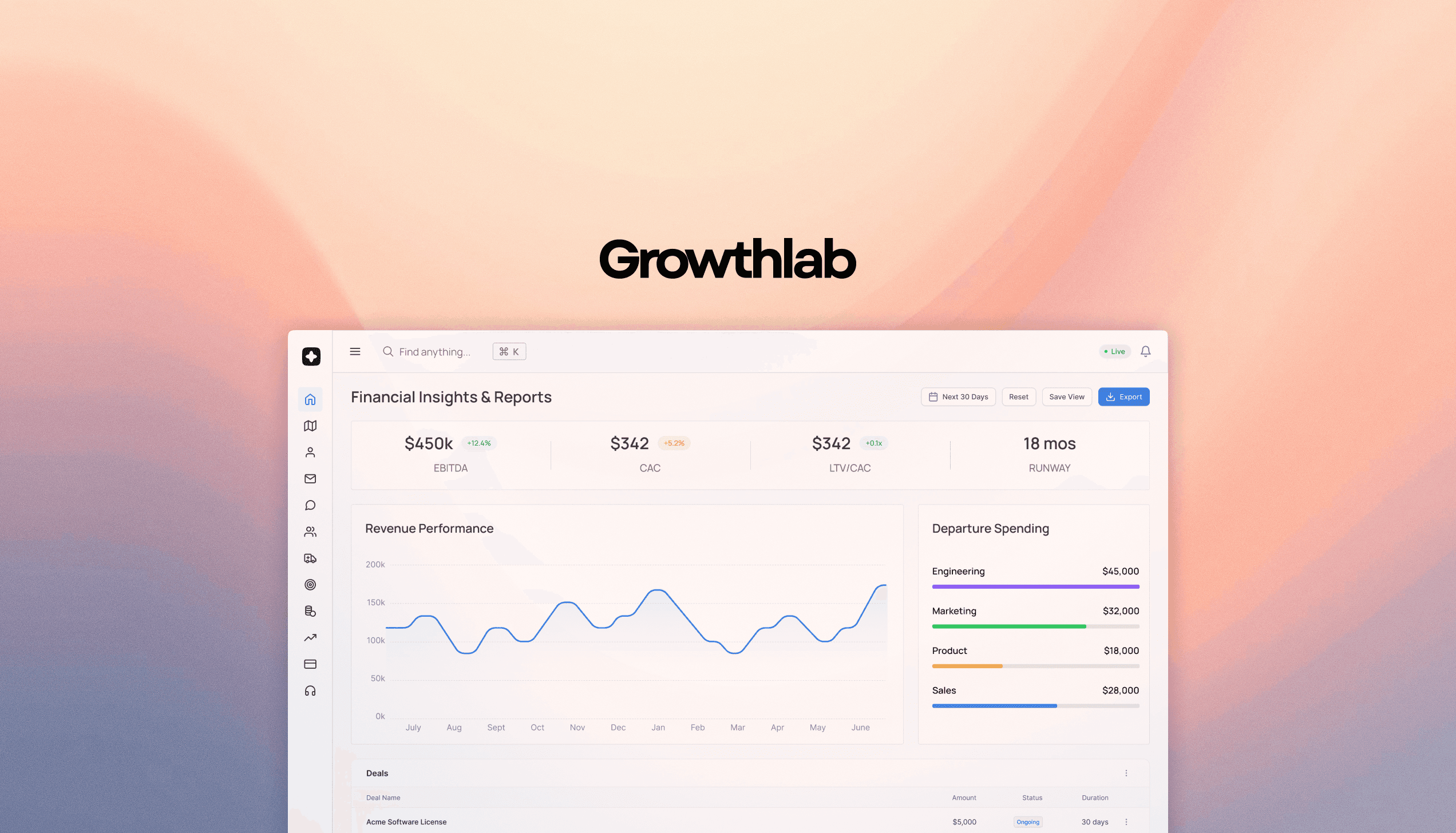
Most early-stage founders are flying blind. They have Stripe open in one tab, Mixpanel in another, and a spreadsheet somewhere on their desktop that hasn't been updated since last quarter. Sound familiar?
GrowthLab was built to fix exactly that. Here's how to go from zero to your first live dashboard in under 10 minutes.
Step 1: Connect Your Data Sources
GrowthLab integrates with the tools you already use — Stripe, Segment, HubSpot, Intercom, and more. Click Connect next to each source and authenticate with OAuth. No code required.
Pro tip: Start with just Stripe and your product analytics tool. You can always add more sources later.
Step 2: Choose Your Core Metrics
Once your data is connected, GrowthLab will suggest a set of starter metrics based on your business type. For SaaS founders, we recommend starting with:
MRR (Monthly Recurring Revenue)
Churn Rate
Activation Rate (users who hit your key value moment)
DAU / MAU Ratio
Step 3: Build Your First View
Drag and drop your metrics into a dashboard layout. GrowthLab auto-generates charts, trend lines, and period-over-period comparisons — no configuration needed.
Step 4: Set Your First Alert
Don't just look at your dashboard — let it come to you. Set a Slack or email alert for when churn spikes above 3% or MRR drops week-over-week.
You're Live
That's it. Four steps, one source of truth. No analysts, no SQL, no waiting for a BI engineer to get back to you.
Your growth data should work for you — not the other way around.